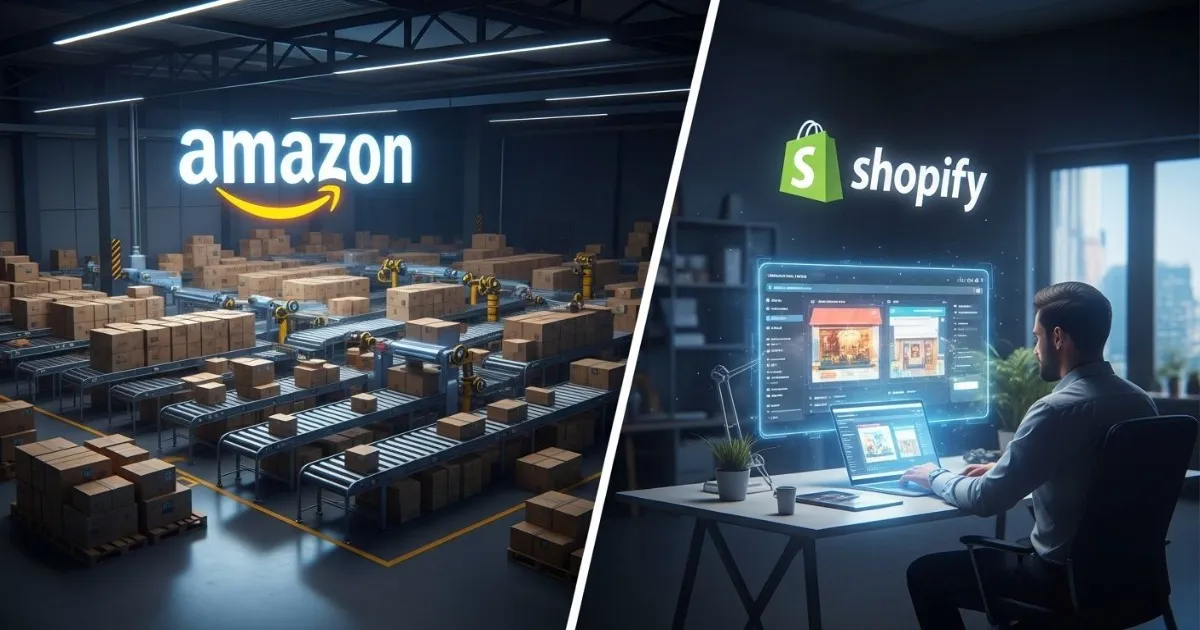
Introduction: Two Paths, One Destination
When I started my first online business, I spent weeks agonizing over this exact question: Amazon or Shopify?
Friends who sold on Amazon raved about the instant traffic. "I listed my product and made sales the same week," one told me. Meanwhile, a Shopify store owner showed me her beautifully designed website and said, "This is mine. I own every customer who visits."
Both were right. And both were describing fundamentally different businesses.
In 2026, the Amazon vs Shopify decision isn't about which platform is "better." It's about which model fits your goals, your skills, and your tolerance for risk. This guide breaks down exactly what each path offers so you can make the right choice from day one.
What You'll Learn:
- How Amazon FBA and Shopify actually work (the real mechanics)
- Complete cost comparisons including hidden fees
- Traffic and customer ownership differences
- Who each platform is best suited for
- Why many successful sellers now use both
What Is Amazon FBA?
Fulfillment by Amazon (FBA) is a service where Amazon handles the heavy lifting of your online business. You send your products to Amazon's warehouses, and when a customer buys, Amazon picks, packs, ships, and handles customer service for you.
How Amazon FBA Actually Works
The process breaks down into four stages:
Stage 1: Sign up for a Seller Central account (Individual or Professional plan).
Stage 2: Create your product listings and mark them to be fulfilled via FBA.
Stage 3: Send your inventory to Amazon's fulfillment centers. They store it, package it, and prepare it for shipping.
Stage 4: When orders come in, Amazon ships to customers and handles returns and customer support. You focus on sourcing and marketing.
The Benefits of Amazon FBA
Ease of selling: You outsource the most complicated parts of ecommerce—storage, packaging, shipping, customer service—to a company that does it better than you could alone.
Improved visibility: Amazon favors FBA sellers in search rankings. FBA products are also eligible for Prime, which significantly increases conversion rates. Amazon reports that customers who used Rufus, its shopping AI, were 60% more likely to complete a purchase than those who did not.
Fast shipping: Amazon's sophisticated shipping network means your products often arrive within 24 hours. You get discounted shipping rates you couldn't negotiate on your own.
Built-in trust: Millions of shoppers trust Amazon. They know if something goes wrong, Amazon will make it right. That trust transfers directly to your products.
Multi-channel fulfillment: You can use Amazon's warehouses to fulfill orders from other platforms like eBay or even your own website.
The Disadvantages of Amazon FBA
Reduced profits: FBA isn't free. You pay referral fees (typically 8-15%), fulfillment fees based on size and weight, and monthly storage fees. Amazon can take 30-40% of your revenue when all fees are combined.
You don't own the customer: Amazon owns the relationship. You don't get customer email addresses or contact information. If Amazon suspends your account, your business disappears overnight.
Strict requirements: Amazon has rigid packaging guidelines, performance metrics, and category restrictions. If your order defect rate climbs too high, you risk suspension.
Intense competition: Your product sits alongside competitors' listings. The "buy box" determines who gets the sale, and you're constantly fighting to win it.
What Is Shopify?
Shopify is a subscription-based platform that lets you build your own online store from scratch. Unlike Amazon where you're a tenant in someone else's mall, Shopify gives you your own standalone website.
How Shopify Actually Works
You pay a monthly subscription for access to Shopify's software. Using their tools, you design your store, add products, set up payment processing, and configure shipping. Once live, you're responsible for driving traffic, processing orders, and handling customer service.
Shopify powers over 4.4 million live stores globally as of 2026.
The Benefits of Shopify
You own your traffic: When customers visit your site, they're your customers. You collect their email addresses, you can retarget them, and you build a relationship that isn't mediated by a marketplace.
Complete brand control: Your store looks exactly how you want. No competitor ads appear below your products. No Amazon logo distracts from your brand.
Price according to value: Since you're the only seller, you don't need to race to the bottom on price. You set prices based on what customers will pay, not what competitors are charging.
Sell anything: Amazon restricts certain categories and requires approval for others. On Shopify, you can sell whatever you want, whenever you want.
Use FBA anyway: Even with Shopify, you can still use Amazon's warehouses to fulfill orders through their Multi-Channel Fulfillment program.
The Disadvantages of Shopify
No built-in traffic: This is the biggest challenge. Amazon sends customers to you. With Shopify, you're completely responsible for driving every single visitor. That means mastering SEO, social media advertising, content marketing, or all of the above.
Marketing costs add up: While Amazon gives you free organic traffic, Shopify stores typically need significant ad spend. Facebook ads, Google shopping campaigns, and influencer partnerships all cost money.
Technical responsibility: Although Shopify handles the platform, you're still responsible for site speed, mobile optimization, checkout flow, and countless other details that Amazon manages for you.
Slower start: A new Shopify store with zero traffic makes zero sales. Building momentum takes months of consistent effort.
Cost Comparison: What You'll Actually Pay
Amazon FBA Costs
Starting capital needed: $1,000–$5,000 for your first product, including inventory, samples, and initial ads.
Shopify Costs
Starting capital needed: As little as $500 if you're doing your own photography and growing organically, but realistically $2,000+ with marketing budget.
Traffic and Customer Ownership: The Fundamental Difference
This single difference determines which platform is right for you.
Amazon sells to its customers. Amazon spends billions on marketing every year, and as a seller, you benefit from that traffic. Even without ads, your products can get found. You can launch and make sales within days.
But you never truly own those customers. They're Amazon's shoppers who happened to buy from you. You can't email them later. You can't build a relationship. If Amazon decides your account is problematic, those customers vanish.
Shopify requires you to find your own customers. Launch day means zero traffic, zero sales, zero visibility. You must master marketing—SEO, social media, paid ads, influencer partnerships—to drive people to your site.
But every customer who buys becomes yours. You have their email. You can retarget them. You can build a brand they'll remember and return to. Over time, this compounds into an asset that has value beyond your daily sales.
Who Should Choose Amazon FBA?
You're a Beginner with Limited Marketing Skills
Amazon handles the hard parts. You don't need to know SEO or Facebook ads to make your first sale. The platform itself provides visibility.
You Want to Test Products Quickly
Amazon lets you validate demand fast. List a product, run some PPC, and see if it sells. If it doesn't, you haven't invested months building a website.
You Prefer Logistics-Outsourced Operations
If you don't want to deal with shipping, returns, and customer service, FBA handles it all. You focus on product sourcing and let Amazon do the rest.
You're Building for Scale, Not Brand
Some sellers treat Amazon as a volume channel. They're not trying to build a memorable brand—they're optimizing for units sold and cash flow. Amazon excels at this.
Best for: Physical products priced $20–$50, small/lightweight, with proven demand and manageable competition.
Who Should Choose Shopify?
You're Building a Long-Term Brand
If you want customers to recognize your name, return to your store, and recommend you to friends, Shopify gives you the tools to build that. Your store reflects your brand, not Amazon's template.
You Have (or Will Learn) Marketing Skills
Shopify rewards sellers who understand traffic generation. If you're willing to master SEO, content marketing, and social advertising, you can build something sustainable.
You Want to Own Customer Relationships
Email lists are valuable. Repeat customers are profitable. With Shopify, you capture data, send newsletters, and build loyalty that no marketplace can take away.
You're Selling Unique or Creative Products
Handmade items, unusual gifts, products with stories—these sell better in a branded environment where you control the narrative. Etsy is an option too, but Shopify gives you full ownership.
Best for: Brand-focused sellers, unique products, digital goods, and anyone willing to invest in marketing.
Side-by-Side Comparison
The 2026 Hybrid Strategy: Why Not Both?
Here's what many successful sellers do now: they use both.
The approach:
- Start on Amazon to validate products and generate cash flow
- Build a Shopify store alongside it
- Use Amazon's Multi-Channel Fulfillment to ship Shopify orders from Amazon's warehouses
- Collect email addresses from Shopify customers and build your brand
- Reinvest Amazon profits into Shopify marketing
This hybrid model gives you the best of both worlds. Amazon provides traffic and fulfillment infrastructure while Shopify builds your long-term asset.
"Most 2026 sellers don't actually choose. They use Amazon for volume and Shopify for relationships."
Decision Framework: Questions to Ask Yourself
Choose Amazon FBA if:
Choose Shopify if:
Consider Both if:
What You Need to Start
Amazon FBA Starter Checklist
Capital needed: $1,000–$5,000
Shopify Starter Checklist
Capital needed: $500–$2,000 plus ongoing marketing budget
Frequently Asked Questions
Can I use Amazon FBA to fulfill Shopify orders?
Yes. Amazon's Multi-Channel Fulfillment lets you store inventory in Amazon warehouses and use them to ship orders from your Shopify store. You pay fulfillment fees but get Amazon's shipping speeds.
Which platform is more profitable?
It depends entirely on your products and marketing skills. Amazon has higher fees but provides free traffic. Shopify has lower platform fees but requires paid traffic. The more efficiently you can acquire customers, the more profitable Shopify becomes.
How much money do I really need to start?
For Amazon, plan on $1,000–$5,000 for your first product including inventory. For Shopify, you can start with as little as $500 if you do your own photography and grow organically, but you'll need marketing budget to scale.
Do I need a business license for either?
Yes. Both platforms require tax information. An LLC is recommended for liability protection, especially as you grow.
Which is better for beginners?
Amazon is generally easier for absolute beginners because the traffic is built-in and fulfillment is handled for you. You can learn the basics of ecommerce without also mastering marketing, SEO, and web design simultaneously.
Can I switch from Amazon to Shopify later?
You can run both simultaneously. Many sellers start on Amazon, prove their products work, then build a Shopify brand alongside it. Your Amazon customers won't automatically transfer, but you can use inserts in your packaging to drive them to your site.
Conclusion
The Amazon FBA vs Shopify decision isn't about finding the "right" platform. It's about understanding which model fits your goals.
Amazon sells products. It's a distribution channel optimized for volume, speed, and efficiency. If you want to move units and let someone else handle the hard parts, Amazon is your answer.
Shopify builds brands. It's a foundation for customer relationships, creative control, and long-term asset building. If you want to own something that grows in value over time, Shopify is your path.
And here's the truth most experienced sellers discover: you don't have to choose. The hybrid approach—Amazon for traffic and fulfillment, Shopify for ownership and brand—gives you the advantages of both.
Start where you are. If you're brand new with no marketing experience, Amazon offers the safest entry point. If you have a clear brand vision and marketing skills, Shopify rewards your effort. Either way, the important thing is starting.
The platform matters less than the work you put in. Choose the path that fits your goals, then commit to learning, improving, and showing up consistently. That's what separates successful sellers from everyone else.
Want to dive deeper? Check out our related guides:
- How to Start an Online Business in 2026
- Product Research Guide: Find Winning Products in 2026
- How AI Is Changing Ecommerce in 2026
- Payment Processing for Beginners: Complete Guide 2026
- 10 Product Categories That Will Explode in 2026